.webp)
.webp)
.webp)
.webp)



Staring at a blank doc can feel like standing at the base of a mountain with no trail. An ai essay writer is basically a smart text tool that helps you get moving. You give it a prompt (your topic, class level, and requirements), and it can suggest ideas, build an outline, or draft paragraphs you can revise.
Students use these tools for one simple reason: time. Between classes, work, and life, it’s hard to start. AI can help you begin faster and organize your thoughts.
The biggest worry is also simple: getting caught, turning in something that sounds fake, or losing your own voice. This post shows how to use AI to save time while still learning, staying honest, and sounding like you. Some tools only generate text in a chat box, others help you write inside Google Docs in a more natural flow, which leads into Ghost Writer.
An ai essay writer is great at structure. It can take a messy topic and turn it into something you can actually write.
Here’s a practical example:
A good tool can help you:
What it cannot do well (at least not reliably):
Think of AI like a calculator for writing. It helps with steps and speed, but you still need to understand the problem and check the work.
Most students don’t need a full essay dropped in their lap. They need momentum. Ethical, common use cases look like this:
Brainstorming: Generate 10 angles on a prompt, then pick one that fits the assignment.
Outlining: Build a simple structure (claim, evidence, explanation) before writing.
Thesis help: Create 3 thesis options, then rewrite one in your words.
Counterpoints: Ask for the strongest objection so your argument doesn’t feel one-sided.
Intro drafts: Get a starting hook, then replace it with something more specific.
Summaries and study guides: Turn your notes into quick review bullets.
A mini workflow that works for almost any essay:
This keeps you in control. AI helps you start, you do the thinking that earns the grade.
AI writing usually gets students into trouble in predictable ways:
Wrong facts: Dates, definitions, and “study says” claims can be off. Fix it by verifying every factual claim with a real source or your textbook.
Weak sources: AI may cite random blogs or invent citations. Fix it by using your library databases, assigned readings, and credible references. Add real quotes only after you locate them.
Robotic tone: The writing can sound like a template. Teachers notice that even without detectors, because it feels vague. Tools like GPTZero for Google Docs exist, but the bigger issue is the “no real details” problem.
To make AI text sound human and personal:
If your essay could be swapped with any student’s essay and still make sense, it needs more of you in it.
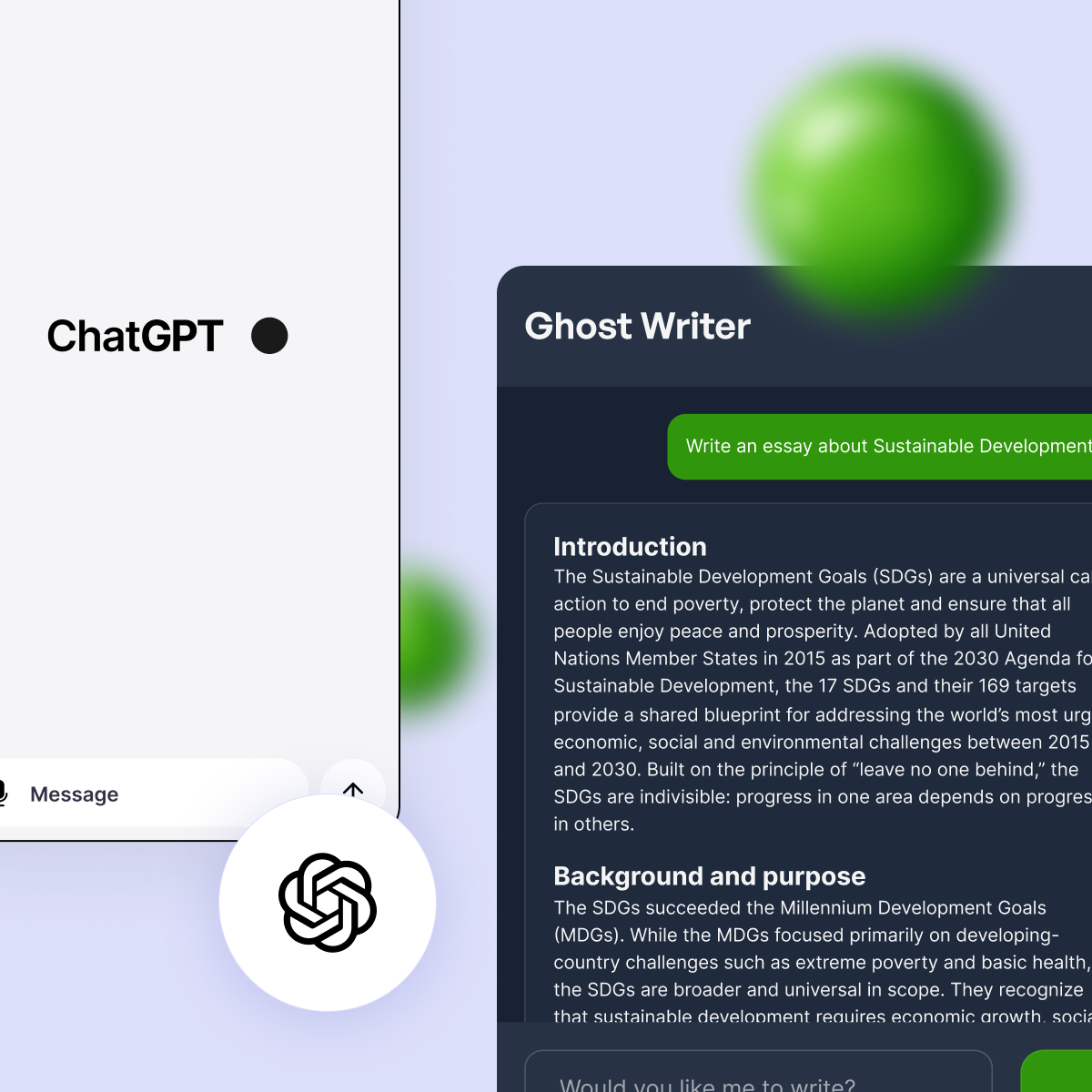
Most AI tools work like this: you type a prompt, you get a block of text, then you copy and paste it into Google Docs. That’s fast, but it can feel weird. It also makes it easy to paste a draft you never really read.
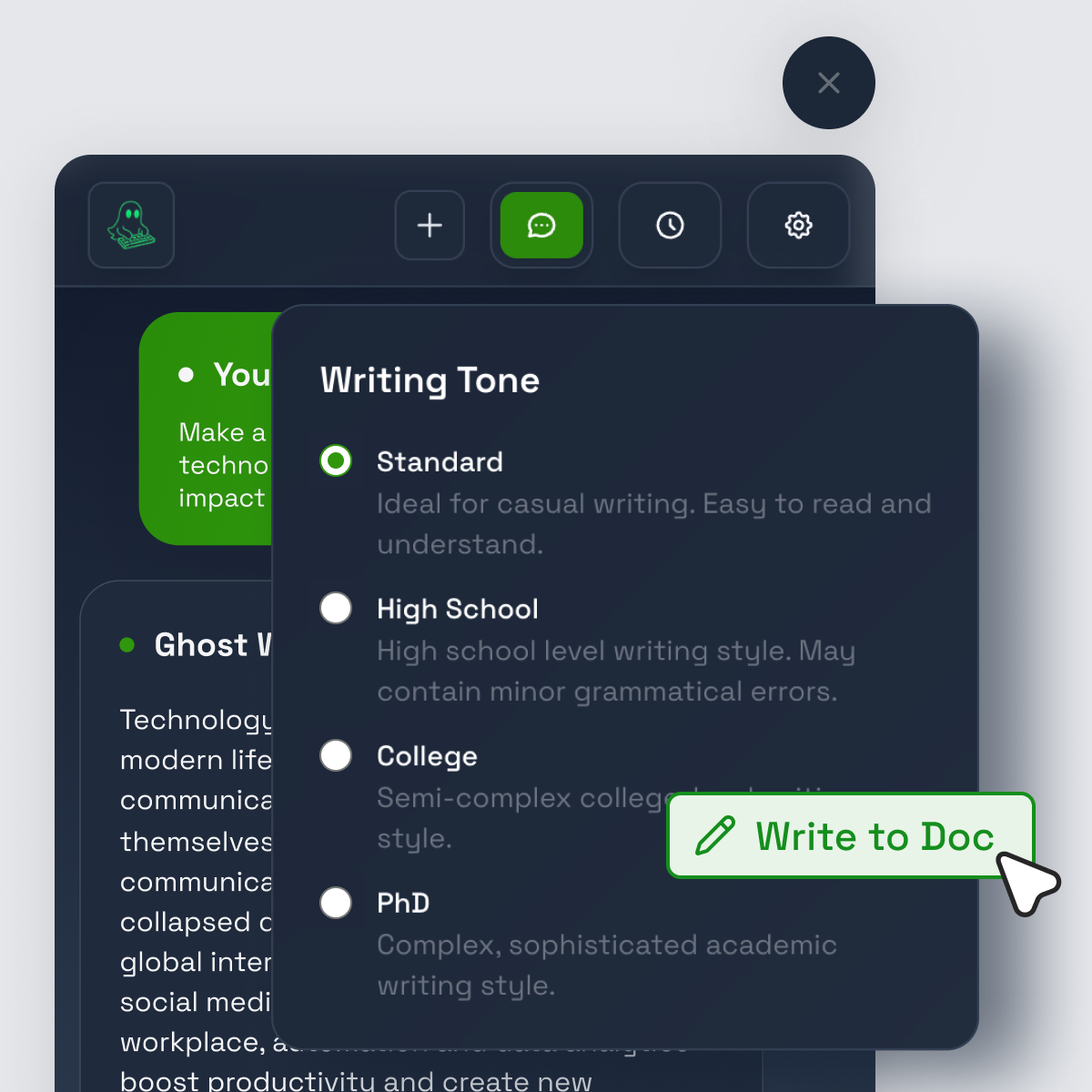
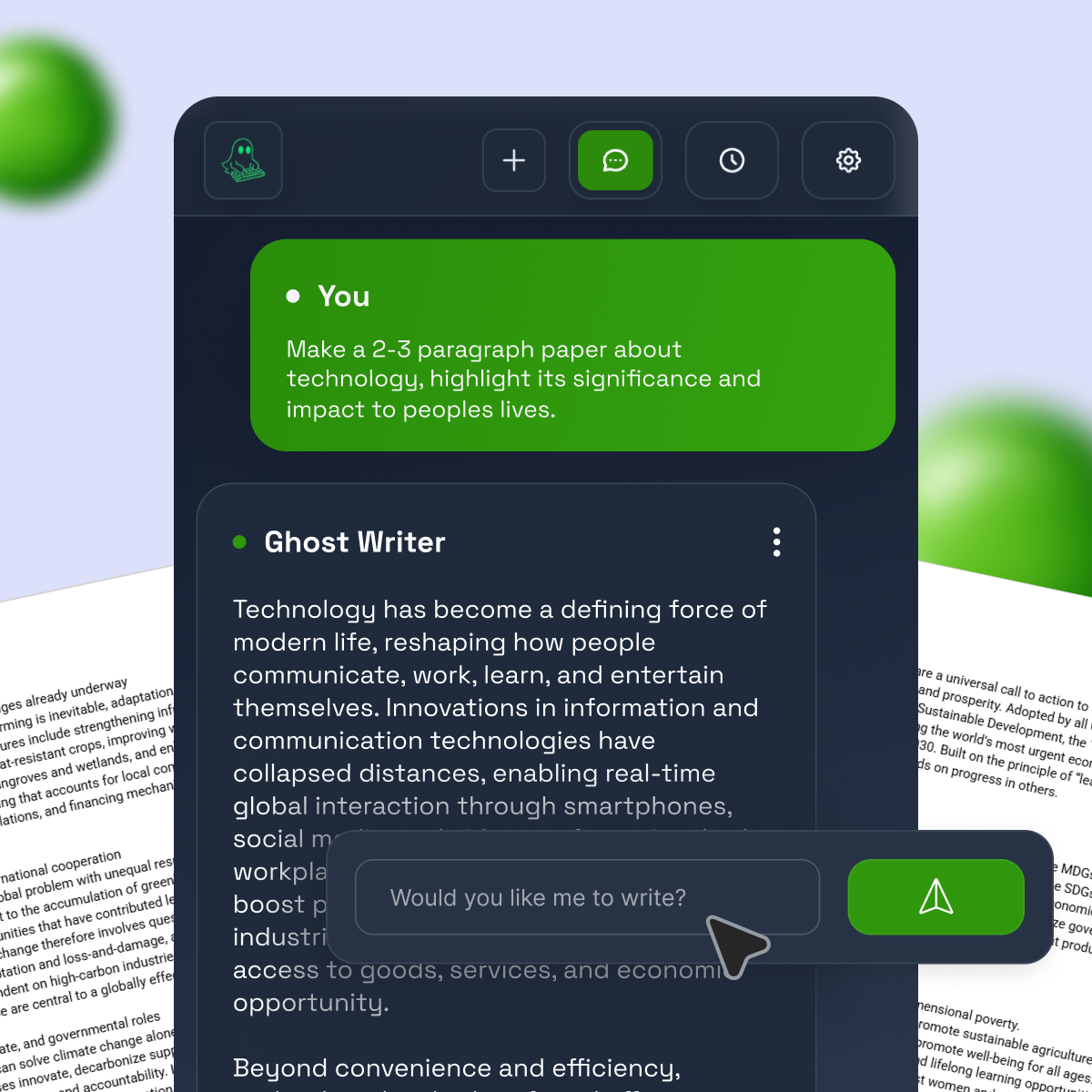
Ghost Writer takes a different approach. It’s a Chrome extension designed to type directly into Google Docs with human-like pacing, including pauses and a natural rhythm. Instead of dumping a wall of text into your paper, it writes into your document as if you were typing.
That “in-place drafting” matters for students who want a smoother writing process. It’s closer to how you actually write an essay: sentence by sentence, with time to react.
It also pairs well with other Google Docs helpers. For example, you can use Grammarly for Google Docs to clean up grammar and clarity, or Paperpal for Google Docs if you’re doing more academic-style writing and want extra language support.
Ghost Writer is still an AI tool. You still need to edit, fact-check, and follow your class rules. The best results come when you treat it like a drafting assistant, not a final answer machine.
Generating text in a chat box is separate from the place you write. That gap causes problems.
Typing into the doc changes the feel in a few ways:
It’s like watching someone solve a math problem step by step instead of only seeing the final answer. You notice what you agree with, and what you don’t.
Ghost Writer’s plans are aimed at different workloads. At a high level:
PlanBest forWhat you getLiteOccasional essays, lighter weekly homeworkTyping emulation in Google Docs, unlimited use, smart pacingProWeekly essays, heavier course loadsEverything in Lite, plus Humanizer, faster performance, smart rewording, early features
Ghost Writer also offers model options. Lite includes access to GPT-3.5, and Pro users can optionally upgrade to GPT-4-level output (depending on the current add-ons available). If you mainly need help starting and staying organized, Lite can be enough. If you rewrite a lot and want more control over tone, Pro can be a better fit.
Using an ai essay writer responsibly comes down to two things: learning and honesty.
First, check your course rules. Some teachers allow AI for brainstorming and outlines, but not for full drafts. Others want a disclosure statement. Policies vary by school and even by class. A helpful starting point is the University of Kansas guidance on ethical use of AI in writing assignments, which focuses on clear expectations and student responsibility.
Second, remember the point of an essay. It’s not just words on a page. It’s your thinking, your argument, and your ability to support a claim.
A good rule: if you can’t explain your own essay out loud, you’re not ready to submit it.
Before you hit submit, run this quick check:
Citations should match what you actually used. Don’t invent quotes, don’t cite sources you didn’t open, and don’t add fake page numbers. If AI suggests a source, treat it as a search hint, not proof.
If you’re not sure what’s allowed, ask direct questions:
Clear questions protect you more than guessing.
An ai essay writer can save hours, but it can’t replace your judgment. Use it to start faster, organize your ideas, and polish your draft, then do the real work: edit for your voice, verify facts, and use sources you actually read.
Ghost Writer fits students who write in Google Docs and want a more natural drafting flow, with typing pacing and optional features like rewording and Humanizer. Try it on a smaller assignment first, build a repeatable process, and keep your writing skills growing with every draft.


BLOG
Discover insights and experiences from our academic community



.svg)