.webp)
.webp)
.webp)
.webp)



Staring at a blank Google Doc can feel like trying to start a car in winter. You know the engine works, but nothing moves. An AI essay writer is a tool that helps you generate writing based on your instructions, usually by suggesting ideas, building an outline, drafting paragraphs, or rewriting what you already have.
Students use these tools for three simple reasons: time, stress, and the blank-page problem. They can help you start faster and stay organized when deadlines stack up.
This post sets clear expectations. It explains how to use an AI essay writer in a way that supports learning, not shortcuts that get you in trouble. It also explains what makes Ghost Writer different (it types inside Google Docs), and how that approach compares with sudowrite, which is better known for creative writing features.
An AI essay writer is best at the parts of writing that feel heavy at the start. It can turn a vague topic into a plan, then turn that plan into a draft you can improve. Think of it like a study buddy who’s quick with suggestions, but still needs you to check the work.
Here’s what it can help with in real student terms:
Start faster: Generate topic angles, thesis options, and a basic structure when you’re stuck.
Organize your thoughts: Build an outline that keeps your argument from wandering.
Draft sections: Create a rough intro, body paragraphs, and a conclusion you can revise.
Rewrite for clarity: Fix run-on sentences, reduce repetition, and improve transitions.
Match assignment format: Adjust tone for a persuasive essay vs a literary analysis (with your guidance).
But it has limits, and these are the ones that matter for school:
If your school uses built-in writing help in Docs, it’s worth knowing what’s officially available. Google explains its own tools in Write with AI in Google Docs (Workspace Labs). Even if you use a different tool, the same rule applies: you’re responsible for what you submit.
The safest, most helpful way to use AI is to keep it in “support mode.” You stay the author, it helps with the heavy lifting.
A few realistic use cases that actually help your grade:
Example prompts students might type:
The fastest way to create problems is to ask for citations and trust them blindly. Some tools will produce sources that look real, but don’t exist. If you’re writing anything research-based, you need real articles, books, or class materials you can point to.
Copy-paste can also be risky in a typical Google Docs workflow, because it’s easy to paste a big block, submit fast, and forget you didn’t really read it. Even when you do read it, a pasted draft often stays “untouched,” and teachers notice that.
The third issue is style. If your usual writing is simple and suddenly your essay reads like a polished magazine piece, it can raise questions. Your goal isn’t to sound perfect, it’s to sound like you on a good day.
A quick pre-submit checklist:
Verify facts (especially names, dates, and definitions).
Add real sources you can open again later.
Match your usual voice (word choice, sentence length, and tone).
Understand what you submit (if you can’t explain it, don’t turn it in).
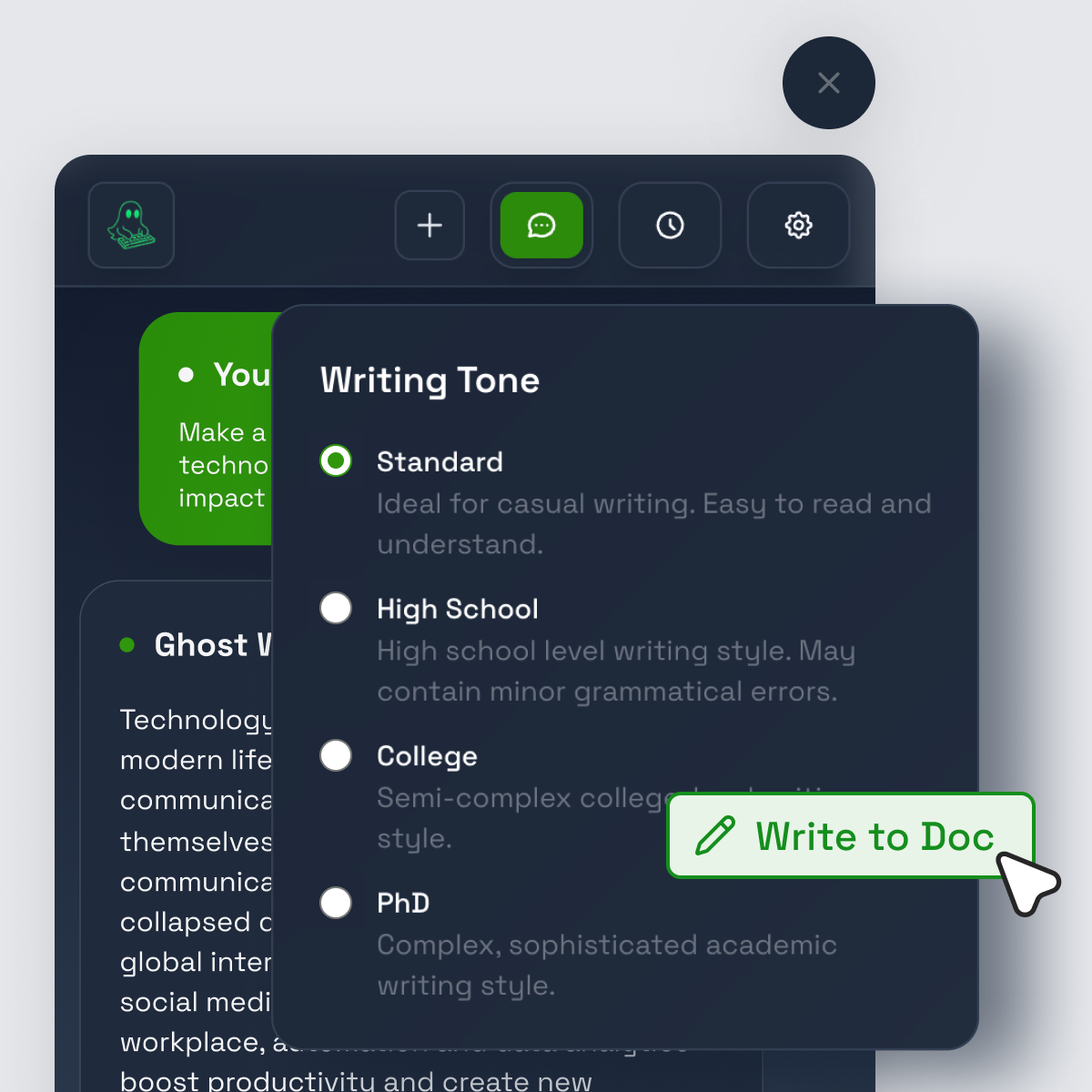
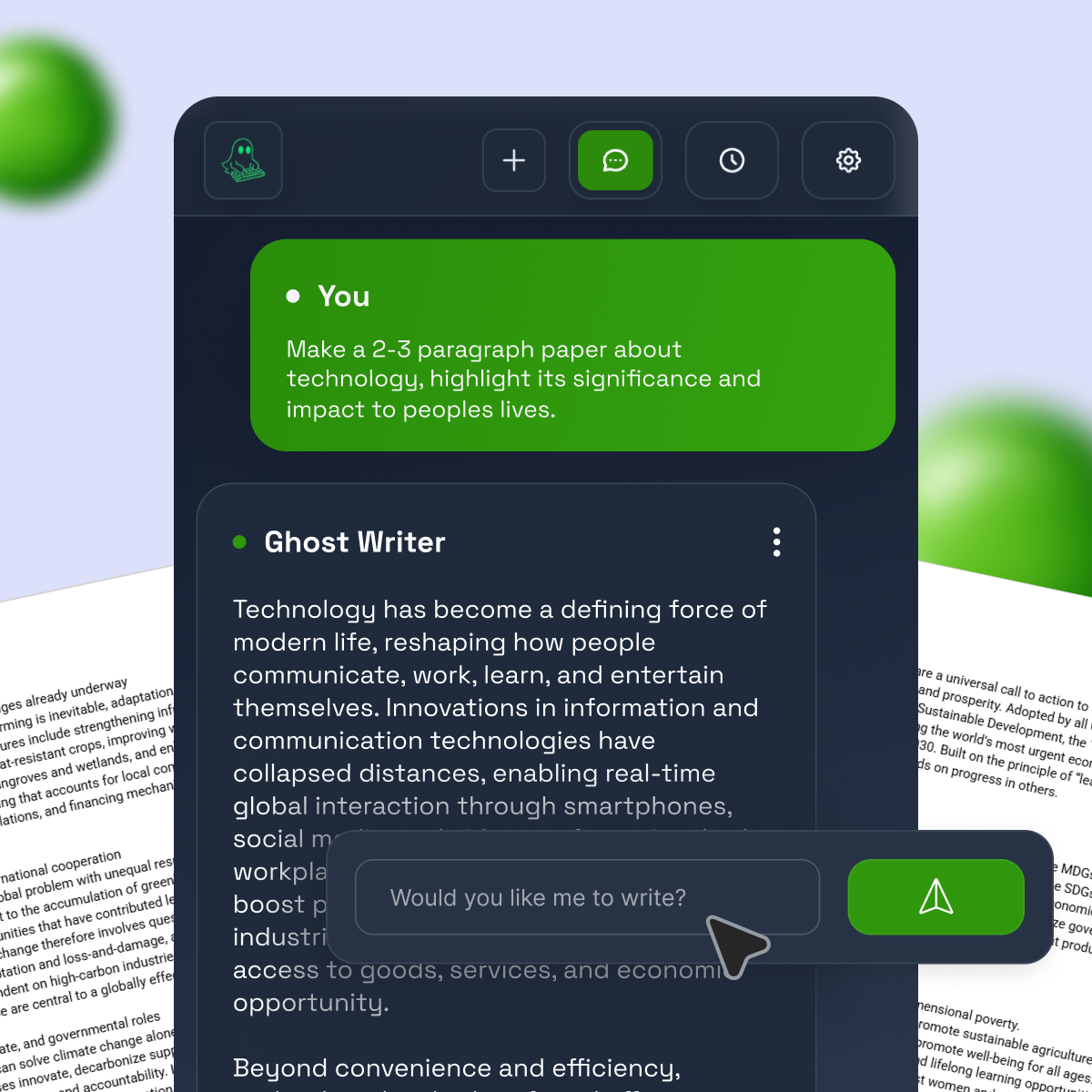
Ghost Writer is an AI writing assistant built as a Chrome extension that works directly inside Google Docs. Instead of giving you a completed answer in a chat box, it types into your document with human-like rhythm. That includes pacing, small pauses, and a more “written in the moment” feel.
For a typical assignment, the workflow can look like this:
You start with your teacher’s prompt and your basic idea. Ghost Writer can help you generate a thesis and outline right where you’re writing. Then you can ask for one section at a time, such as an intro hook, a body paragraph that explains one reason, or a conclusion that ties back to your claim.
Because the text appears inside the doc, it’s easier to edit as you go. You can stop it, adjust the plan, and continue. That encourages a step-by-step build, which often leads to a more consistent essay than a single giant draft.
It’s still not a magic “submit” button. You’ll get the best results when you guide it with specifics: your class level, required sources, the rubric, and your teacher’s rules. If your school allows AI help, using it as a drafting partner can reduce stress without replacing your learning.
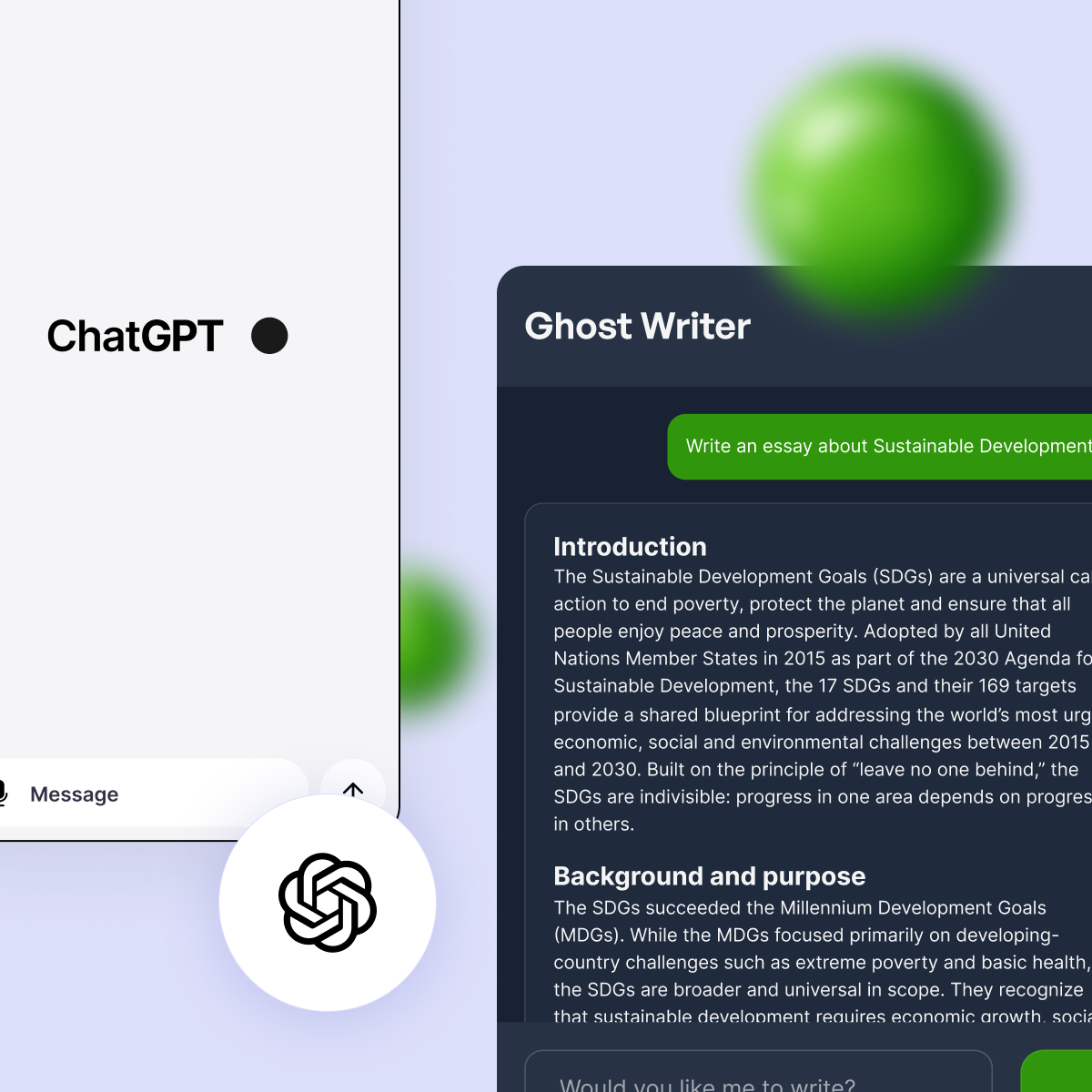
Most AI tools live in a chat window. You generate text, copy it, paste it into Docs, then try to make it sound like you. That method can work, but it often leads to two problems: big pasted blocks that don’t get edited much, and a weird disconnect between “chat writing” and “essay writing.”
Ghost Writer is designed to type inside the document, which can help you stay in the writing mindset. It can reduce copy-paste moments, keep formatting cleaner, and make it easier to build the essay in layers (outline first, then intro, then body paragraphs, then final polish).
It also fits how students actually work: you write, revise, re-read, then fix what sounds off. A typed-in draft tends to invite that kind of editing.
Ghost Writer Lite focuses on typing emulation, smart pacing, and unlimited use, which fits students who want help a few times a month. It’s a simple setup for starting drafts and cleaning up paragraphs without extra features.
Pro includes everything in Lite, plus a Humanizer, faster performance, smart rewording, and early access to upcoming features. Pro also offers an optional GPT-4 upgrade.
During the presale, there’s a 7-day free trial at launch, and you can cancel anytime from your dashboard. The best plan depends on how often you write and how much rewriting help you want.
If you’re comparing tools that sit closer to Google Docs, you can also look at options in the Google Workspace Marketplace, like Paperpal: Free AI Writing Tool & Grammar Checker.
Ghost Writer and sudowrite can both help you write, but they’re built with different priorities.
For school essays, most students care about staying organized, hitting the rubric, and keeping everything in one place. Ghost Writer’s core idea is simple: work inside Google Docs and draft in small, editable steps as the tool types.
Sudowrite is widely known for creative writing support. It can be great when you’re writing stories, trying different styles, or expanding an idea into something more vivid. If you want a sense of what it emphasizes, a review like Sudowrite Review: Is It the Best AI Tool for Writers in 2026? gives helpful context.
If your assignment is a research-heavy essay, neither tool should be treated as a source machine. Your best strategy is to use AI for structure and clarity, then use real sources from your library databases or teacher-provided materials.
Sudowrite shines when you need creativity on demand: expanding scenes, generating sensory detail, or trying a new voice. It’s built to help writers explore options quickly, especially for fiction.
For school essays, it can feel less direct because the features lean creative, not academic. It also may not match a strict Google Docs drafting routine the way an in-doc typing tool does.
An AI essay writer works best as a helper, not a replacement. Use it to beat the blank page, shape a stronger outline, and rewrite rough paragraphs, then put in the real work: checking facts, adding real sources, and making the voice sound like you.
Ghost Writer’s main difference is that it types directly in Google Docs with human-like pacing, while sudowrite leans more toward creative writing support. For your next assignment, try using AI for just one part, like the outline or one body paragraph, then revise it in your own voice and double-check every claim before you submit.


BLOG
Discover insights and experiences from our academic community



.svg)