.webp)
.webp)
.webp)
.webp)



If you’ve ever searched grammarly plagiarism, you probably meant one of two things: you want to use Grammarly’s plagiarism checker to catch copied lines before you submit, or you’re worried Grammarly will “flag” you and get you in trouble.
That worry makes sense. School plagiarism rules can feel strict, and similarity reports can look scary even when you didn’t mean to cheat.
Here’s the honest truth: Grammarly can help you spot text that looks too close to sources, but it isn’t a magic pass for school policies. It can’t read your intent, and it doesn’t use the exact same database or settings as your school’s checker.
This post breaks down how Grammarly plagiarism checking works, how to read the report without panicking, and how to build better writing habits. You’ll also see a practical workflow that uses Ghost Writer (drafting directly inside Google Docs) so you rely less on risky copy-and-paste.
Grammarly’s plagiarism checker compares your writing to text it can access online and in partnered databases. When it finds a close match, it highlights the section and shows possible sources, plus a similarity percentage. You can see Grammarly’s overview of the feature on its plagiarism checker page.
That sounds simple, but it helps to know what the tool is actually measuring.
Grammarly is helpful for catching:
It’s like a smoke alarm. It won’t stop the fire, but it can warn you early.
Grammarly can’t check against everything. Some gaps students should expect:
It can’t see every source. Paywalled articles, some books, private class notes, content behind logins, and teacher-made materials may not be in its reach.
It doesn’t use your school’s settings. Your school might use Turnitin or another system with different databases and match rules. A “clean” Grammarly report can still show matches somewhere else.
It can’t judge your intent. Plagiarism tools don’t know whether you meant to copy, forgot to cite, or just used common phrasing.
It can’t approve your paper. Even if the report looks good, your teacher can still spot issues in citations, tone changes, or sources that don’t fit your class.
If you want Grammarly’s own guidance on how they think about checking work, their article How To Check Your Work for Plagiarism explains the basics and why good note-taking matters.
Sometimes Grammarly highlights text that isn’t cheating. Common reasons:
A report is a signal, not a verdict. Your job is to review each match and decide what to fix.
Many schools use tools that check different databases and may treat quotes, references, and “small matches” differently. That’s why you should treat Grammarly as a practice check, not the final judge.
If your teacher provides a similarity report, trust that report more than your personal one. Use Grammarly earlier, while you still have time to rewrite.
A similarity percentage is just the tool’s estimate of how much text overlaps with sources it can find. It doesn’t automatically mean “you cheated.”
Two quick examples:
Example 1 (high percent, not cheating):
You include a 6-line quote from a novel, put it in quotation marks, and cite it. Grammarly may still count those lines as similar, because they match the book text. That’s fine if quoting is allowed and cited.
Example 2 (low percent, still risky):
You “paraphrase” a website by swapping a few words but keep the same order and key phrases. Grammarly might only flag a sentence or two, but a teacher could still see it’s too close.
Best mindset: don’t chase a perfect number. Use the report to find spots that need rewriting, quotes, or citations.
Myth: “If Grammarly says 0 percent, I’m safe.”
Reality: it only checks against what it can access. Your school may check more.
Myth: “Grammarly can detect AI writing, so it’s the same as plagiarism.”
Reality: AI detection and plagiarism detection are different. Grammarly has a separate AI detection feature, explained in Grammarly’s AI Detector user guide.
Myth: “Changing a few words removes plagiarism.”
Reality: word swapping keeps the same structure and ideas. Tools still match it, and teachers notice.
Myth: “If I cite a source, copy-and-paste is okay.”
Reality: a citation doesn’t automatically make copied wording acceptable. Many teachers expect you to quote copied wording, and paraphrase everything else in your own voice.
Plagiarism problems usually start before the draft exists. They start when notes get messy, sources aren’t tracked, and copy-and-paste becomes the “temporary” solution that ends up in the final version.
Here’s a workflow students can actually follow without turning writing into a huge project.
1) Start with the assignment question.
Write it at the top of your doc. Then write what your teacher wants (argument, analysis, summary, reflection).
2) Make a rough outline.
Just 5 to 8 bullet points is enough. This prevents the “I’ll just borrow this paragraph” panic later.
3) Take notes in your own words (on purpose).
Don’t paste full paragraphs into your notes. If you need exact wording, mark it clearly as a quote.
4) Keep a source list as you go.
A simple “Sources” section at the bottom works. Add links, book titles, page numbers, and anything else you’ll need later.
5) Draft first, polish second.
When you stop every sentence to make it perfect, you’re more likely to copy a clean source line. Draft messy, then revise.
6) Run Grammarly plagiarism checking near the end, not at the start.
If you check too early, you’ll keep rewriting the same half-finished paragraph.
Good paraphrasing isn’t a thesaurus trick. It’s a reset.
Try this method:
Read, close the tab, write from memory, then verify.
When you close the source, you stop copying the sentence shape. You also force yourself to explain the idea in your own words. After you write, reopen the source and check you didn’t change the meaning.
Two extra moves that help:
Be careful with heavy paraphrasing tools. They can still keep the same logic path and leave behind “source-flavored” phrasing that triggers matches.
Use these rules of thumb:
Quote when the exact wording matters. This is common with literature, legal text, definitions your teacher wants, or a line you plan to analyze closely.
Cite when the idea, fact, or statistic came from someone else, even if you changed the words.
Rewrite without citing only when it’s truly common knowledge in your class (ask your teacher if you’re not sure).
A short example of a quote (citation style can vary):
You might write: “Social media use can affect sleep quality” (Source Name, 2023).
A short example of a paraphrase with a citation:
You might write: Studies have linked late-night scrolling with shorter sleep and more tired mornings (Source Name, 2023).
The difference is simple: quotes protect the wording, citations protect the idea. Most plagiarism trouble happens when students protect neither.
A lot of plagiarism issues don’t come from “bad students.” They come from bad process. You find a good paragraph, paste it “just for now,” and later you forget what came from where.
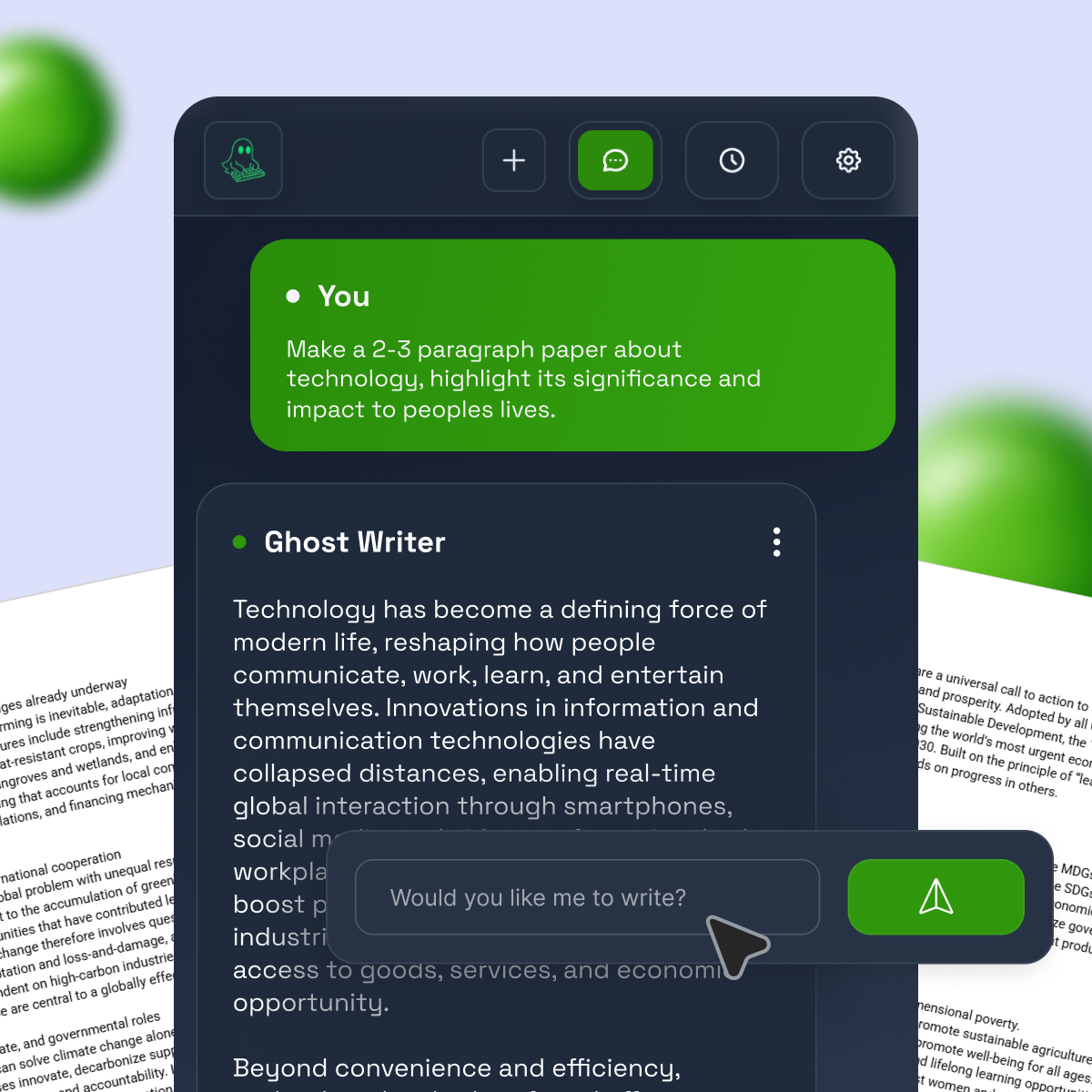
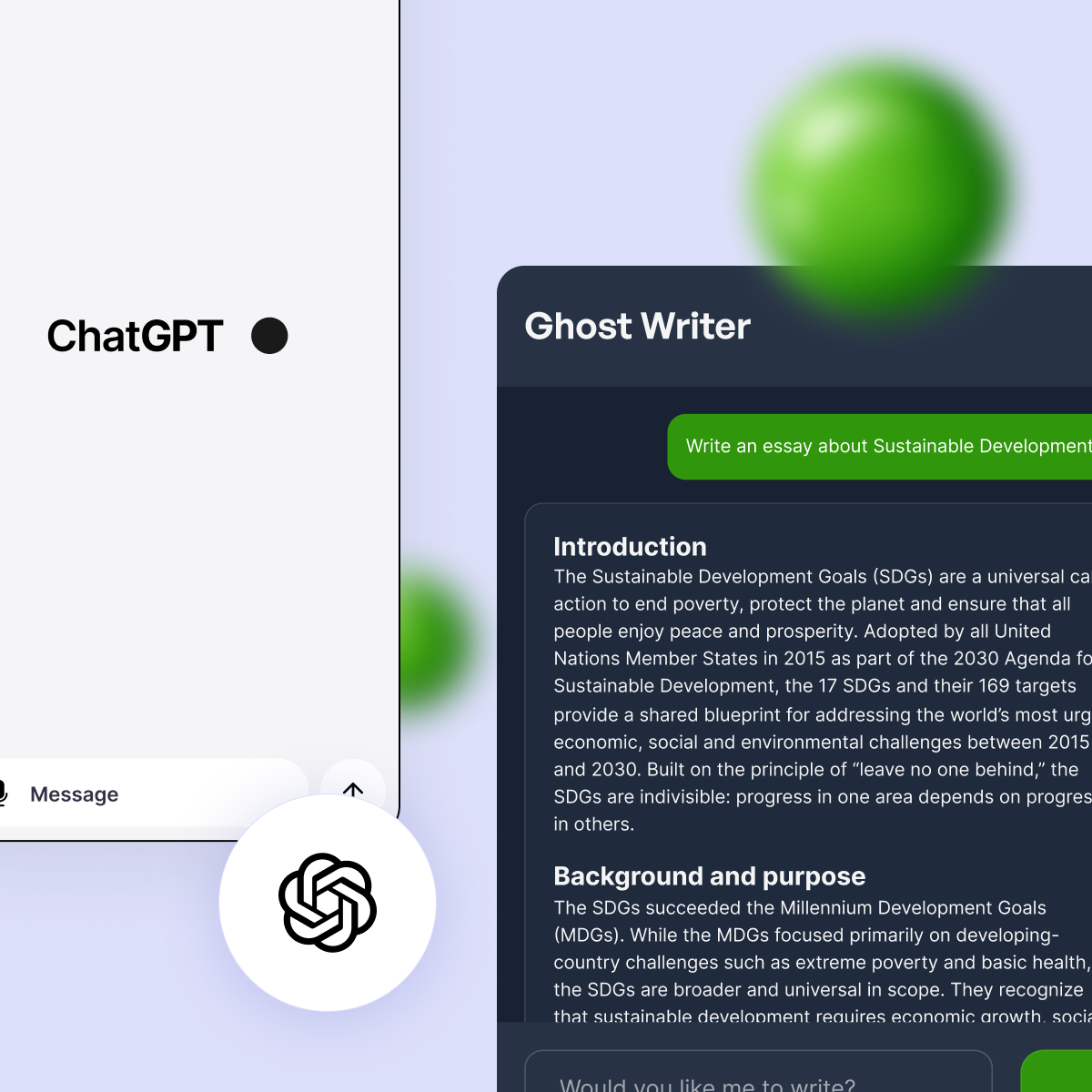
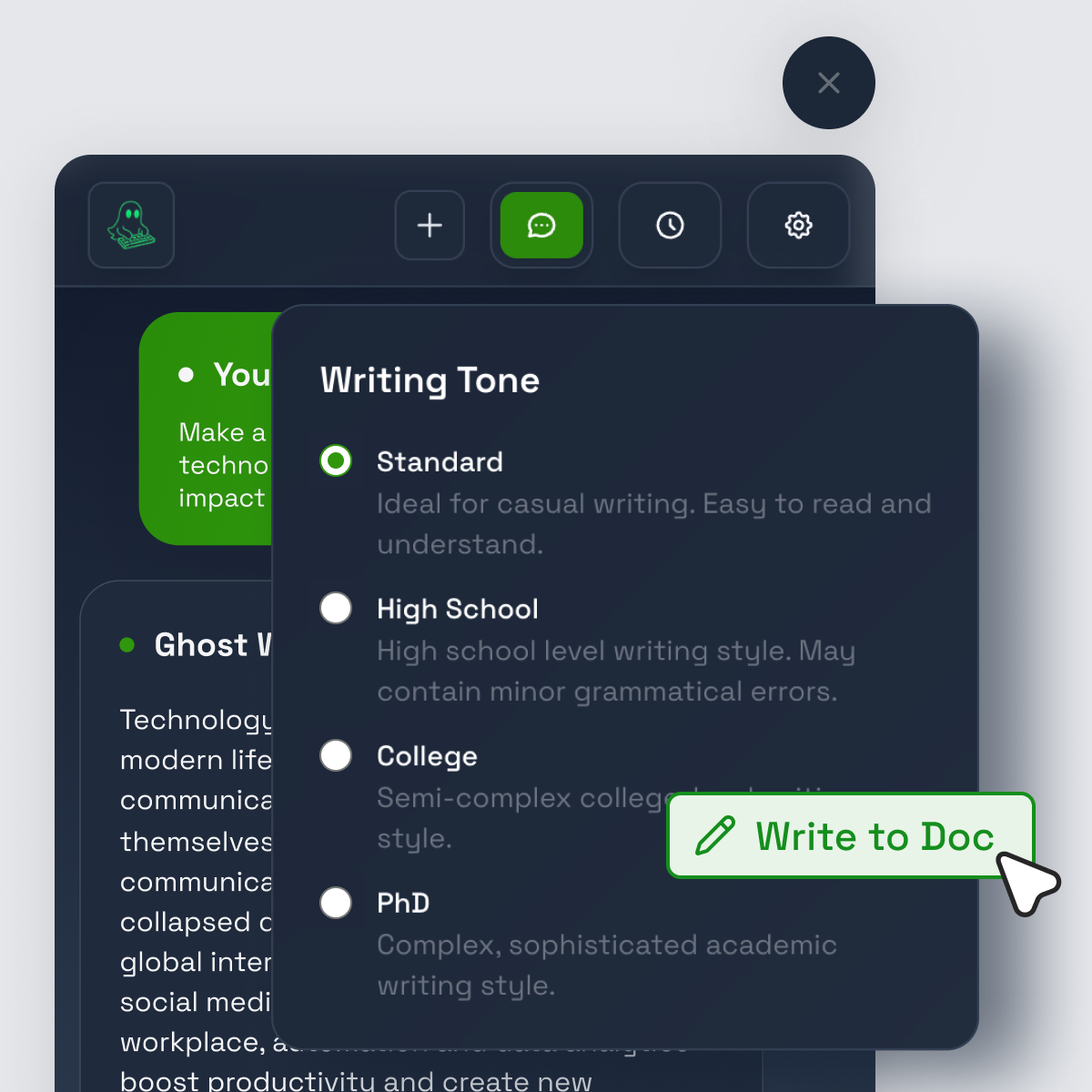
Ghost Writer is built to change that process. It’s an AI writing assistant that types directly into Google Docs like a real person, with human-like pacing that includes natural pauses and rhythm. Instead of bouncing between apps and pasting text in, you draft where your essay actually lives.
That matters for two reasons:
It reduces copy-and-paste habits. If your default is typing into the doc, you’re less likely to paste big chunks from a webpage “temporarily.”
It helps you draft faster, then revise properly. Speed matters when deadlines are close, because rushing is when citations get skipped.
Ghost Writer also aims to help “humanize” rough AI text and reword passages so they sound more natural. At a high level, Lite focuses on the typing tool and pacing, and Pro adds features like a Humanizer and smart rewording.
It’s still not a free pass. If you use any writing tool, you’re responsible for accuracy, citations, and matching your assignment rules. No tool can promise you’ll never get flagged, especially since schools can change their checks and teachers can read for tone shifts.
To learn Grammarly’s side of this, it helps to see how they present their checker and what it’s designed to catch on the Grammarly plagiarism checker page. If you want a quick visual walkthrough of running the feature, this video can help: How to Use The Grammarly Plagiarism Detector.
Use a routine that keeps you in control.
Leave time for one more pass after the plagiarism check. That last read is where you make the essay sound like you, not like a tool.
Tools can help, but these habits still cause problems:
Follow your course rules and your teacher’s instructions. If your class has strict limits on AI help, ask before you use it.
Grammarly plagiarism checking is a helpful alarm, not a shield. It can spot matches and push you to fix them, but it can’t see every source, and it doesn’t replace your school’s checker or your teacher’s judgment.
Real safety comes from a clean process: take notes in your own words, track sources, quote when wording matters, cite when ideas aren’t yours, and revise until the paper sounds like you. Run the plagiarism check early enough to rewrite calmly, not in a panic.
If you struggle with drafting speed, Ghost Writer can help you build the habit of drafting inside Google Docs without copy-and-paste, then you can add your voice and citations. The goal is simple: turn in work you can explain, defend, and feel good about.


BLOG
Discover insights and experiences from our academic community



.svg)